
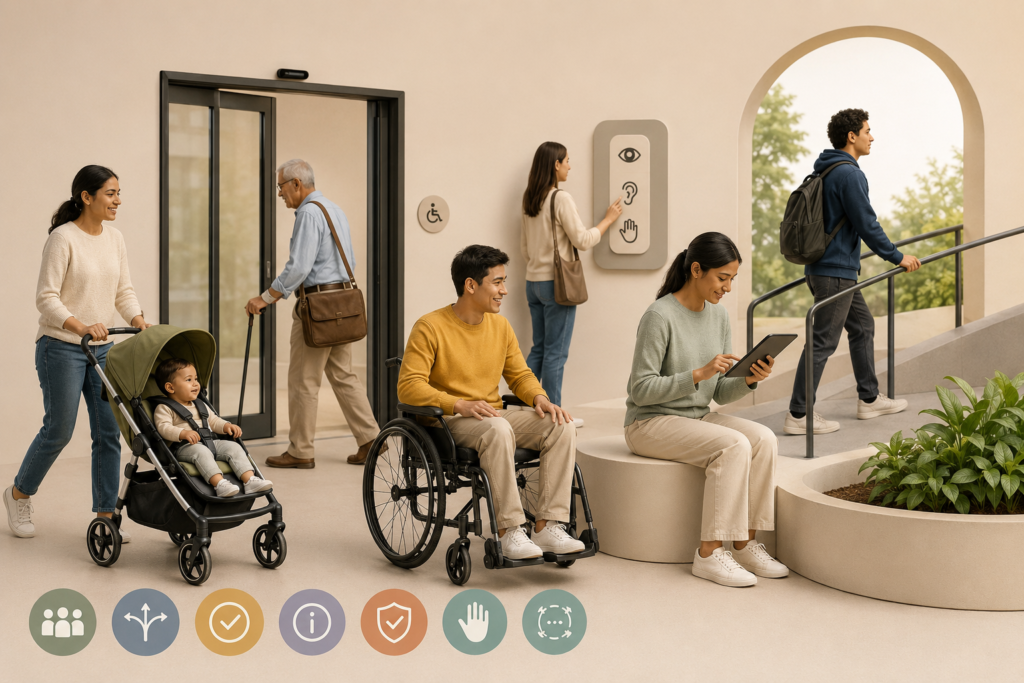
Universal Design Principles: Building Inclusive Experiences for Everyone
July 6, 2026
By Dhanshri Ashok
Have you ever used a product, website, or public space that felt difficult to use? Maybe a remote control that has too many confusing buttons, a door that’s difficult to open, a website which is hard to navigate, or a device that does not respond in the way you expect!!
These challenges can affect different people in different situations. A person with a disability, an older adult, a child, someone recovering from an injury, or even a person carrying heavy bags may experience barriers while using everyday products and services.
Accessibility and inclusion are about creating experiences that can be used by everyone. This is where Universal Design comes into practice.
Universal Design means designing products, services, and environments in a way that they can be used by the widest range of people possible, regardless of age, ability, or situation, without requiring separate solutions or special modifications.
The goal of Universal Design is simple: create designs that work for everyone from the beginning.
Why Universal Design Matters
Every person interacts with the world differently.
For example:
- A person with low vision may need larger text and better contrast.
- A person with hearing loss may need captions instead of
audio-only information.
- A person with limited hand movement may need
easier controls.
- A person in a noisy environment may prefer visual
information instead of sound.
When designers understand different user needs early in the design process, the final product becomes easier, safer, and more convenient for everyone.
Universal Design does not only benefit people with disabilities. It improves experiences for all users.
A great example is a curb cut (a small ramp between a sidewalk and road). It was created to support wheelchair users, but it also helps parents with strollers, travelers with luggage, delivery workers, and people using bicycles.
A design created for accessibility often becomes a better design for
everyone.
Understanding Different User Needs:
People may experience different types of disabilities, including:
Visual disabilities , Hearing disabilities , Physical disabilities,
Cognitive disabilities , Speech-related disabilities, etc.
Each person may interact with products, technology, and environments
Differently. universal Design helps remove barriers by considering different
abilities, preferences, and situations during the design process.
The 7 Principles of Universal Design:
1. Equitable Use;
Design should provide the same opportunity for everyone to use a product or service.
Example: Automatic doors in shopping malls allow wheelchair users to enter independently. They also help parents with baby strollers, people carrying shopping bags, older adults, and people with temporary injuries.
2. Flexibility in Use ;
Design should support different ways of using something according to individual needs.
Example: Modern smartphones provide different ways to interact, such as touch input, voice commands, screen readers, text resizing, and display adjustments.
3. Simple and Intuitive Use ;
A product should be easy to understand without requiring complex instructions.
Example: A microwave with simple buttons and clear symbols is easier for
older adults, children, first-time users, and people with cognitive disabilities.
4. Perceptible Information ;
Important information should be available in different ways so users can understand it.
Example: An emergency alarm should not depend only on sound. A better design can include sound alerts, flashing lights, and vibration alerts.
5. Tolerance for Error;
Design should reduce the impact of mistakes and help users recover easily.
Example: Online banking applications often ask users for confirmation before completing a transaction. This helps prevent accidental actions and allows users to re-confirm the credentials before completing the transaction.
6. Low Physical Effort; Products should require less physical effort and be comfortable to use.
Example: OXO Good Grips kitchen tools have comfortable, larger handles that are easier to hold and control. They support people with limited hand strength or arthritis and are also preferred by many users because
they are comfortable.
7. Size and Space for Approach and Use ;
Design should provide enough
space and flexibility for people with different body sizes and abilities.
Example: Accessible public restrooms provide wider entrances, more turning space, and support bars. These features support wheelchair users but also help parents with children and people carrying luggage.
Universal Design in Digital Products:
Universal Design also applies to websites and applications.
E.g
1. Keyboard-friendly navigation;
This follows the principle of Flexibility in Use. Users who cannot use a mouse can navigate websites using a keyboard.
2. Alternative text for images; This supports Perceptible Information.
Screen reader users can understand image information through text alternatives.
3. Clear / Descriptive headings;
This supports Simple and Intuitive Use. Well descriptive headings help users quickly understand and navigate content.
4. Captions and transcripts ; This supports Perceptible Information. Users with hearing loss or users in noisy environments can access audio information through text. Accessible digital design creates better experiences for everyone.
Concluding Thoughts
Universal Design is not about creating separate solutions for different people. It is about creating one design that works for the widest range of users. When designers consider human diversity from the beginning, they create products, services, and environments that are more inclusive, comfortable, and useful. Designing for everyone is not only an accessibility practice — it is a better way of designing for the future.
One Response