
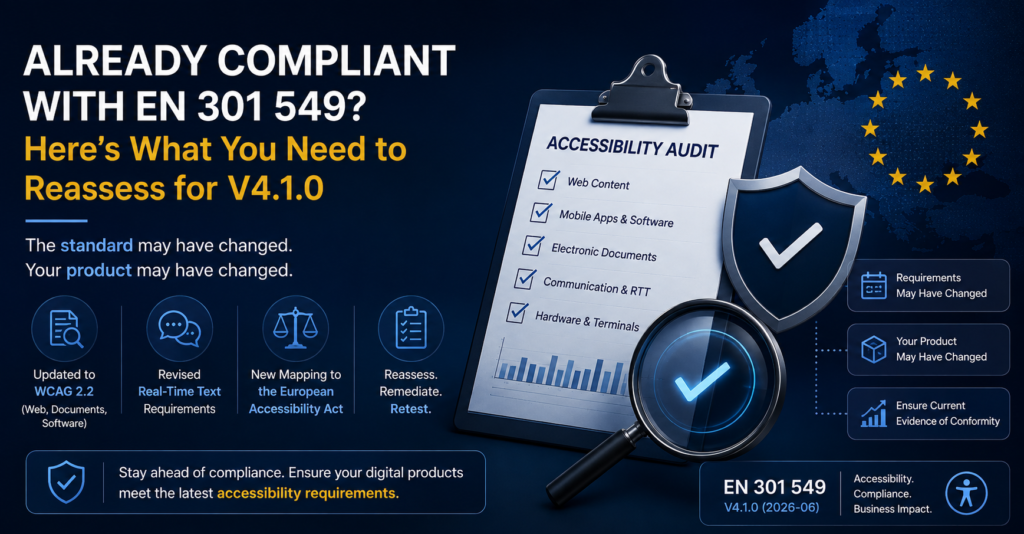
Already Compliant with EN 301 549? What to Reassess for V4.1.0
September 9, 2026
Your organization completed an accessibility audit. Issues were fixed and perhaps you also have an accessibility conformance report. Does that mean you are covered under EN 301 549 V4.1.0? Not necessarily. There are two important reasons: The standard may have changed. And your product may have changed. Here is what organizations should consider reassessing. 1. […]
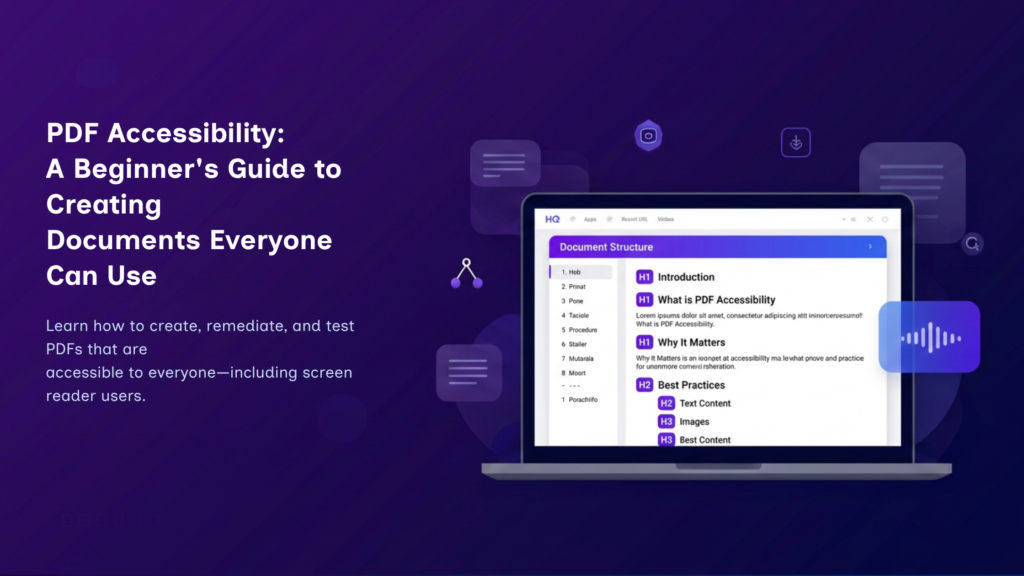
PDF Accessibility: A Beginner’s Guide to Accessible PDFs
August 9, 2026
By Manikanta If you’ve ever downloaded a document from a website, filled out an application form, or read an eBook, chances are you’ve used a Portable Document Format (PDF)—one of the world’s most widely used file formats. PDFs preserve a document’s layout, fonts, images, and formatting, ensuring that it appears consistently across different devices and […]
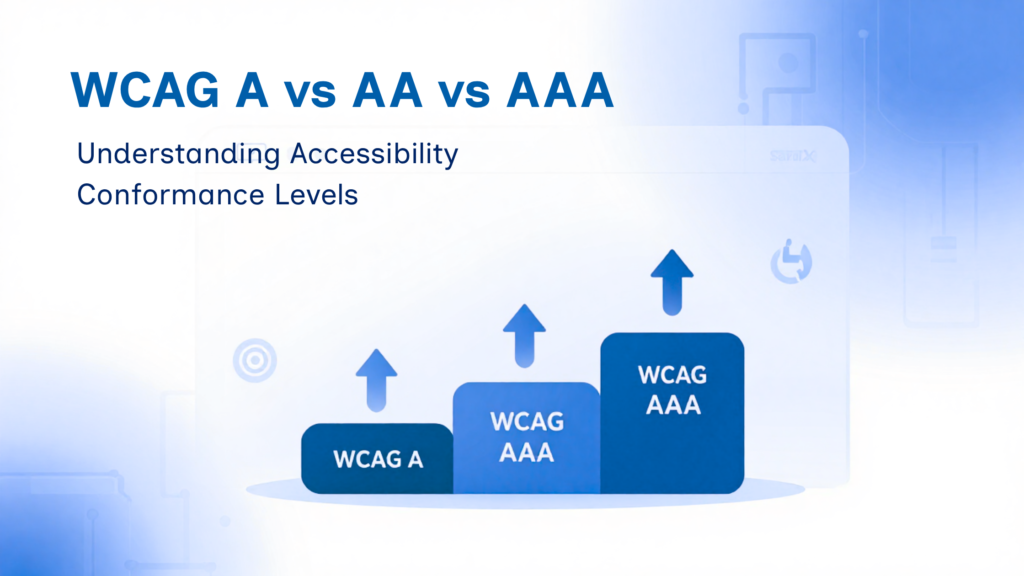
WCAG A vs AA vs AAA: Understanding Accessibility Conformance Levels
July 25, 2026
By Shubham, SaralX If you’re building a website or web application and starting to explore accessibility, you’ve probably come across the terms WCAG Level A, AA, and AAA. It’s easy to get confused by them at first. Does achieving Level AAA mean your website is suddenly perfect? Is Level A too basic to matter? And […]
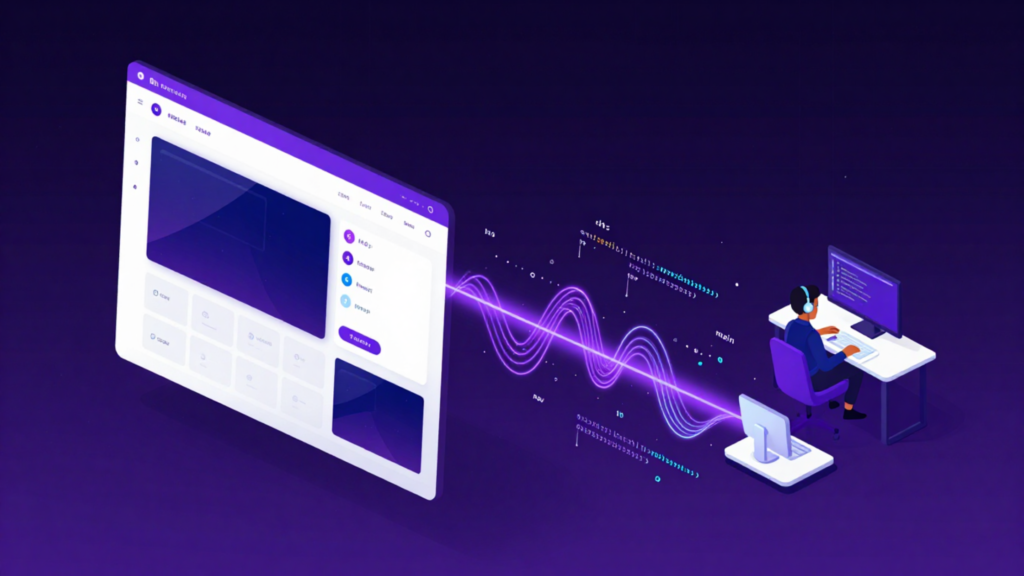
Your Code Talks to Screen Readers: A Developer’s Guide to Building Accessible Websites
July 23, 2026
By Shraddha, SaralX Modern websites are built to be visually appealing, interactive, and responsive. But for millions of people who rely on screen readers, a website isn’t experienced through its design—it’s experienced through its code. Every heading, button, form field, image, and link communicates through HTML and accessibility semantics. That means developers play a critical […]
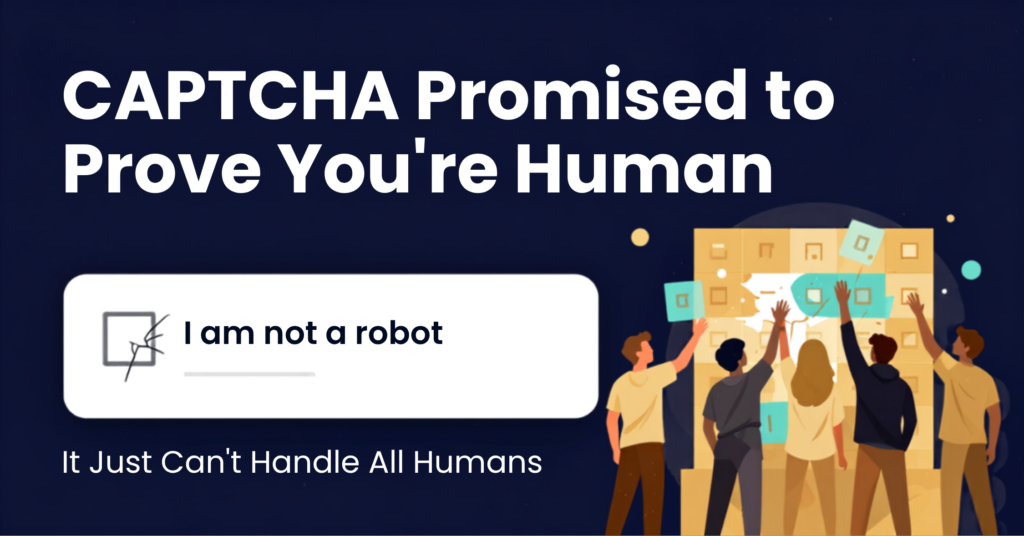
CAPTCHA Accessibility Explained: The Hidden Barrier Keeping Millions Out
July 19, 2026
By Vaishnavi I was trying to log into a well-known website recently. Standard stuff. Then came the CAPTCHA, a complex Captcha. First, it showed me a gesture challenge — a reference animal was shown clearly pointing in a direction, and I had to rotate a second image of another animal to match that same direction. […]
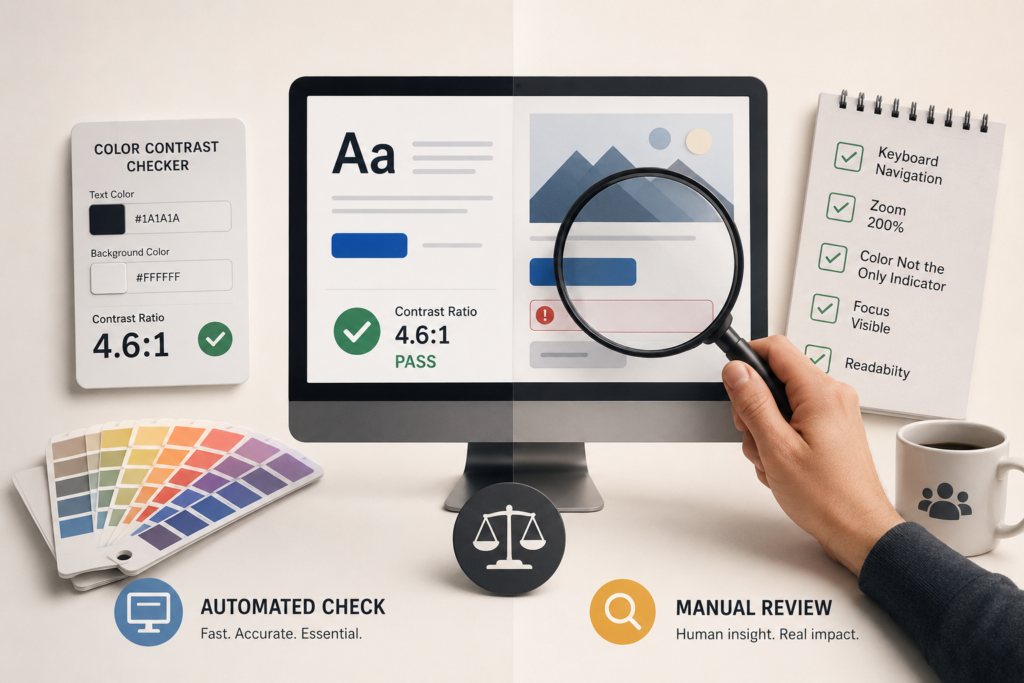
Color Contrast Checker vs Manual Review: Why You Need Both for Better Accessibility
July 10, 2026
By Gokul Gopi Introduction When people start improving website accessibility, one of the first tools they use is a color contrast checker. These tools are quick, free, and easy to use. They tell you whether your text and background colors meet accessibility standards. But here’s the thing. Passing a color contrast checker doesn’t always […]
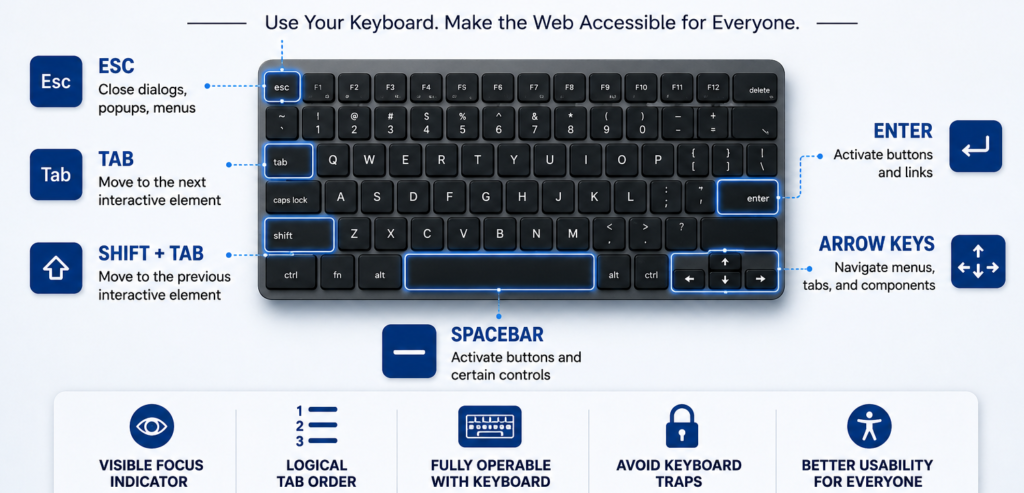
Keyboard Navigation Testing Without Assistive Tools: A Step-by-Step Guide
June 26, 2026
By Shubham Kalra When testing web accessibility, many people immediately think of assistive technologies such as NVDA, JAWS, or VoiceOver. While testing with screen readers is important, there is another accessibility check that every tester can perform without any special tools: keyboard navigation testing. Keyboard navigation testing focuses on whether users can access and operate […]
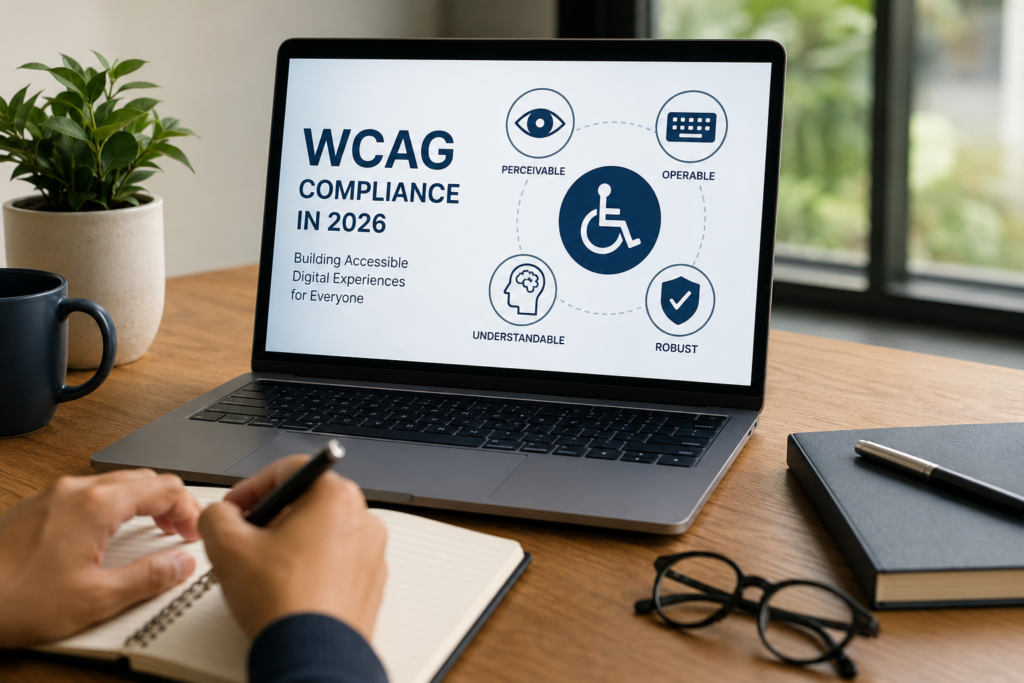
The Complete Guide to WCAG Compliance in 2026
June 19, 2026
By Shrushti Mahajan As digital accessibility moves from a “nice-to-have” to a business requirement, organizations across India are increasingly prioritizing WCAG compliance. Whether you’re a government agency, enterprise, SaaS provider, fintech company, or educational institution, accessibility is becoming essential for compliance, customer experience, and digital growth. In 2026, achieving WCAG compliance is not just about […]
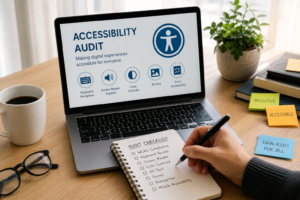
Website Accessibility Audit Guide: Why Your Website Needs an Accessibility Audit
June 15, 2026
By Shrushti Mahajan Imagine visiting a website to make a purchase, book an appointment, or access important information—only to find that you cannot navigate the page, read the content, or complete a form. For millions of people with disabilities, this remains a daily challenge. As digital experiences become increasingly essential, organizations are expected to ensure […]