
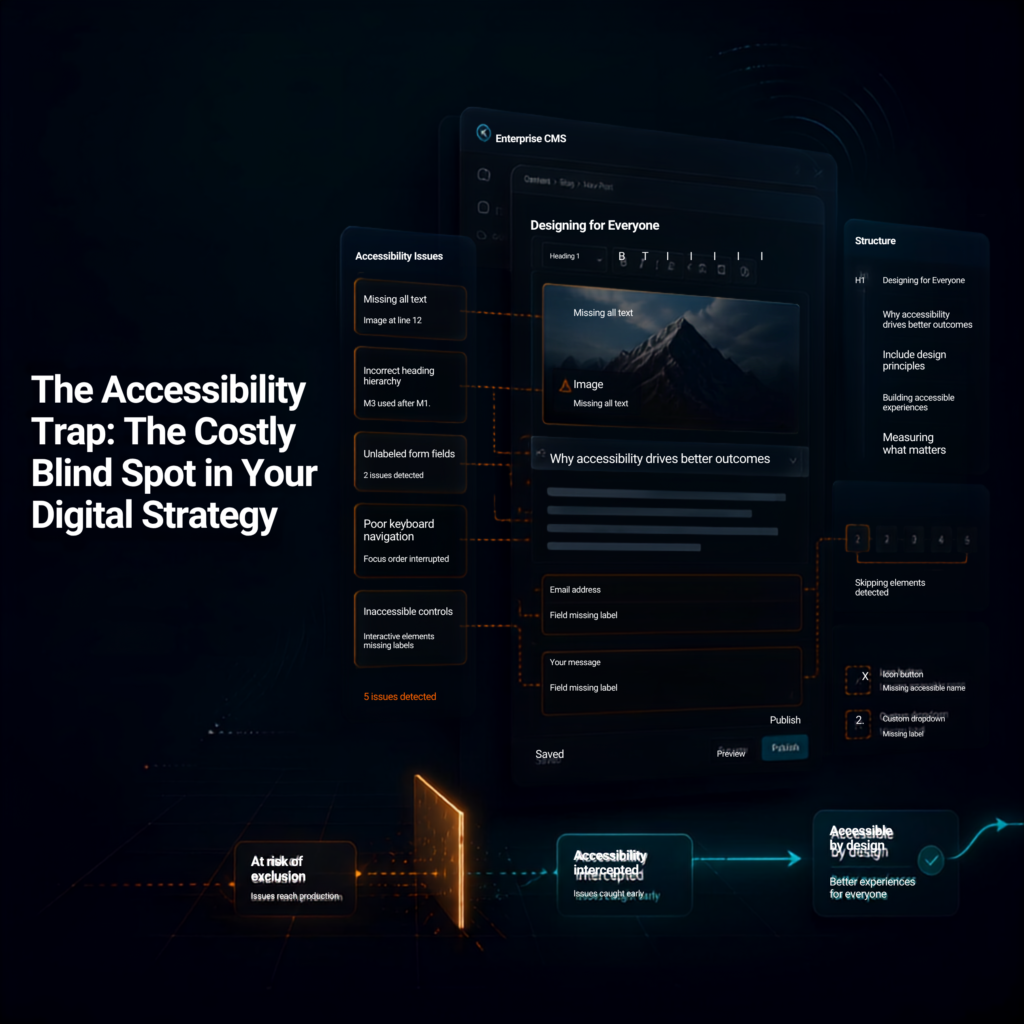
The Accessibility Trap: How ATAG Prevents Costly Accessibility Issues
August 14, 2026
By Disha Over the past three years of auditing digital products, I have witnessed the same story unfold across organizations of every size. But over the last year, the story has taken on a new urgency. I’ve been working closely with businesses that are completely new to digital accessibility. Most of them didn’t begin this […]
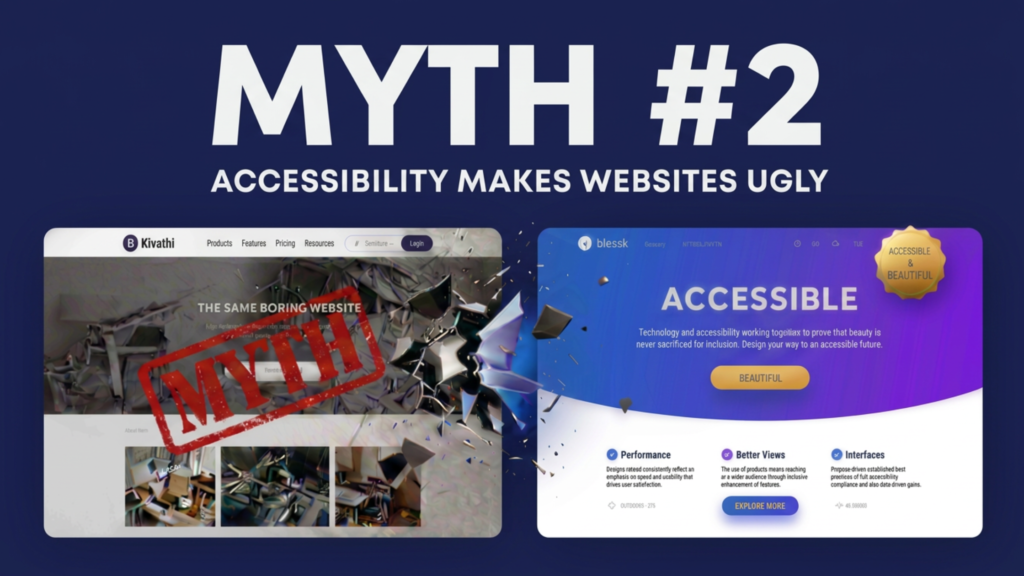
Myth #2: Accessibility Makes Websites Ugly
August 11, 2026
By Akashdeep, Founder & CEO of SaralX One of the oldest myths about digital accessibility is that accessible websites have to look plain, boring, or outdated. Many designers imagine accessibility as: Large black text on a white background Oversized buttons everywhere Simple layouts with no creativity Limited colors and typography A compromise between aesthetics and […]
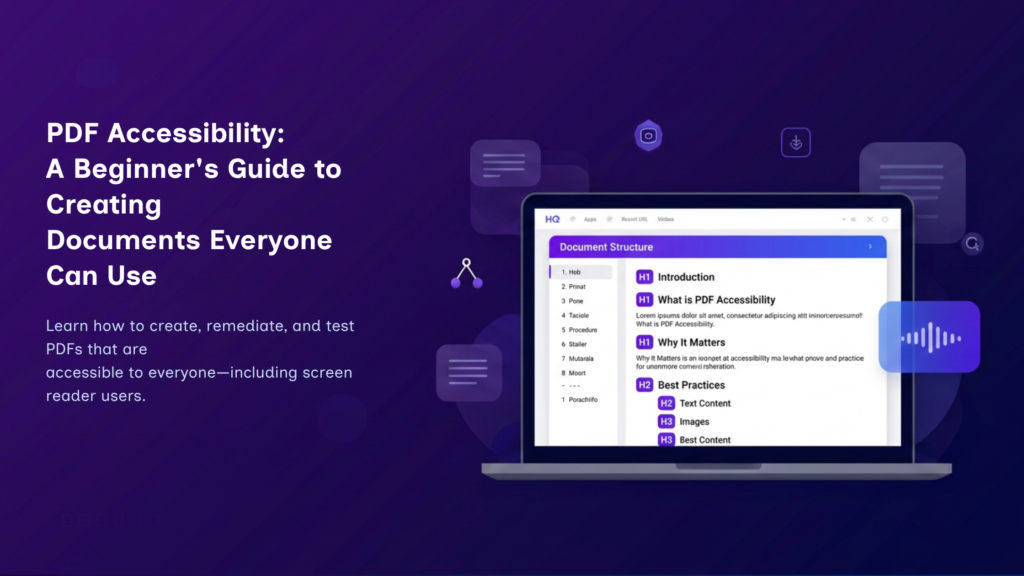
PDF Accessibility: A Beginner’s Guide to Accessible PDFs
August 9, 2026
By Manikanta If you’ve ever downloaded a document from a website, filled out an application form, or read an eBook, chances are you’ve used a Portable Document Format (PDF)—one of the world’s most widely used file formats. PDFs preserve a document’s layout, fonts, images, and formatting, ensuring that it appears consistently across different devices and […]
Myth #1: Digital Accessibility Is Only About Making Websites Accessible for People Who Are Blind
July 30, 2026
By Akashdeep, Founder & CEO of SaralX One of the most common misconceptions about digital accessibility is that it is meant only for people with blindness or low vision. This belief is understandable because screen readers and visually impaired users are often the most visible examples in accessibility discussions. However, this is only a small […]
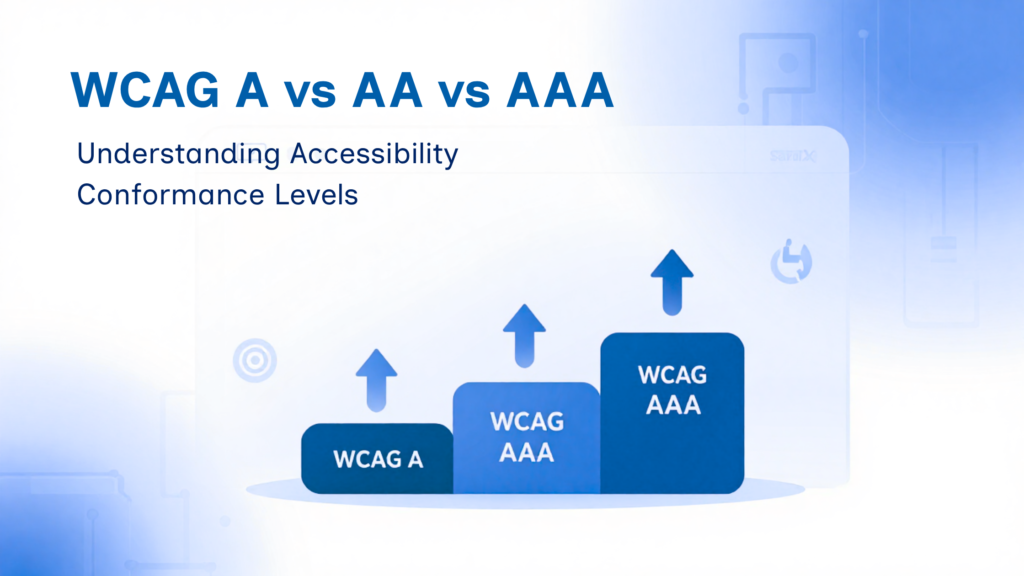
WCAG A vs AA vs AAA: Understanding Accessibility Conformance Levels
July 25, 2026
By Shubham, SaralX If you’re building a website or web application and starting to explore accessibility, you’ve probably come across the terms WCAG Level A, AA, and AAA. It’s easy to get confused by them at first. Does achieving Level AAA mean your website is suddenly perfect? Is Level A too basic to matter? And […]
Your Code Talks to Screen Readers: A Developer’s Guide to Building Accessible Websites
July 23, 2026
By Shraddha, SaralX Modern websites are built to be visually appealing, interactive, and responsive. But for millions of people who rely on screen readers, a website isn’t experienced through its design—it’s experienced through its code. Every heading, button, form field, image, and link communicates through HTML and accessibility semantics. That means developers play a critical […]
Digital Accessibility & Cybersecurity
July 21, 2026
By Dheeraj Imagine This… A visually impaired customer wants to log in to their banking application. The app sends a One-Time Password (OTP) to their registered email address. Unlike an SMS, there is no automatic OTP detection. The user switches to their email app, navigates through multiple messages using a screen reader, locates the latest […]
CAPTCHA Accessibility Explained: The Hidden Barrier Keeping Millions Out
July 19, 2026
By Vaishnavi I was trying to log into a well-known website recently. Standard stuff. Then came the CAPTCHA, a complex Captcha. First, it showed me a gesture challenge — a reference animal was shown clearly pointing in a direction, and I had to rotate a second image of another animal to match that same direction. […]
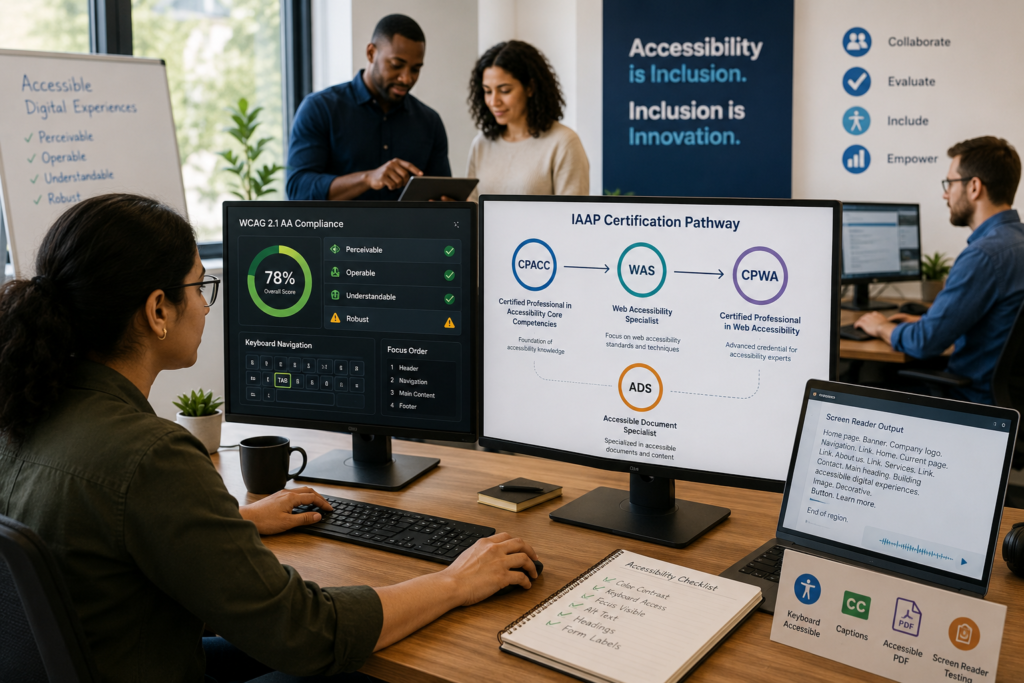
IAAP Certification: What It Really Means for Accessibility Professionals and Organizations
June 22, 2026
By Akashdeep Bansal, Founder and CEO – SaralX Accessibility Pvt. Ltd. As awareness about digital accessibility continues to grow, more organizations are looking for ways to demonstrate their commitment to inclusion. During our conversations with clients, partners, and industry professionals, we often come across a common misconception: “Is your company IAAP certified?” The short answer […]
Accessibility Is Not About Building Assistive Technologies — It Is About Building Compatible Digital Experiences
June 17, 2026
By Akashdeep Bansal, Founder and CEO – SaralX Accessibility Pvt. Ltd. When organizations begin their accessibility journey, one of the most common questions we hear is: “There are already screen readers, voice control tools, captions, magnifiers, keyboards, and many other assistive technologies available. If these tools exist, what exactly is expected from developers?” The answer […]