
WCAG A vs AA vs AAA: Understanding Accessibility Conformance Levels
July 25, 2026
By Shubham, SaralX
If you’re building a website or web application and starting to explore accessibility, you’ve probably come across the terms WCAG Level A, AA, and AAA. It’s easy to get confused by them at first. Does achieving Level AAA mean your website is suddenly perfect? Is Level A too basic to matter? And why does every accessibility compliance guide recommend aiming for Level AA?
These are common questions for developers, designers, and project managers. Here’s a practical guide to what these levels mean, why they exist, and which level makes the most sense for your project.
What is WCAG?
WCAG stands for the Web Content Accessibility Guidelines. They were developed by the World Wide Web Consortium (W3C), the organization responsible for developing web standards, to help make websites and applications usable for people with disabilities.
Instead of dictating specific code you have to use, WCAG focuses on outcomes. That gives you the freedom to build using modern frameworks and development tools, as long as the end experience is accessible.
The guidelines are built around four core principles, often referred to as POUR:
Perceivable: Users can perceive content by seeing it, hearing it, or accessing it through assistive technologies like screen readers.
Operable: Users can interact with the interface using a mouse, keyboard, touch screen, or other input methods.
Understandable: The content and navigation are clear, predictable, and easy to understand.
Robust: The website works reliably across different browsers, devices, and assistive technologies.
Why Are There Three Different Levels?
Not all web accessibility issues carry the same weight.
Some issues completely prevent people from using your website. Others don’t block access entirely, but they make important tasks unnecessarily difficult. Then there are advanced enhancements that create an even better experience but aren’t always practical to implement across every page.
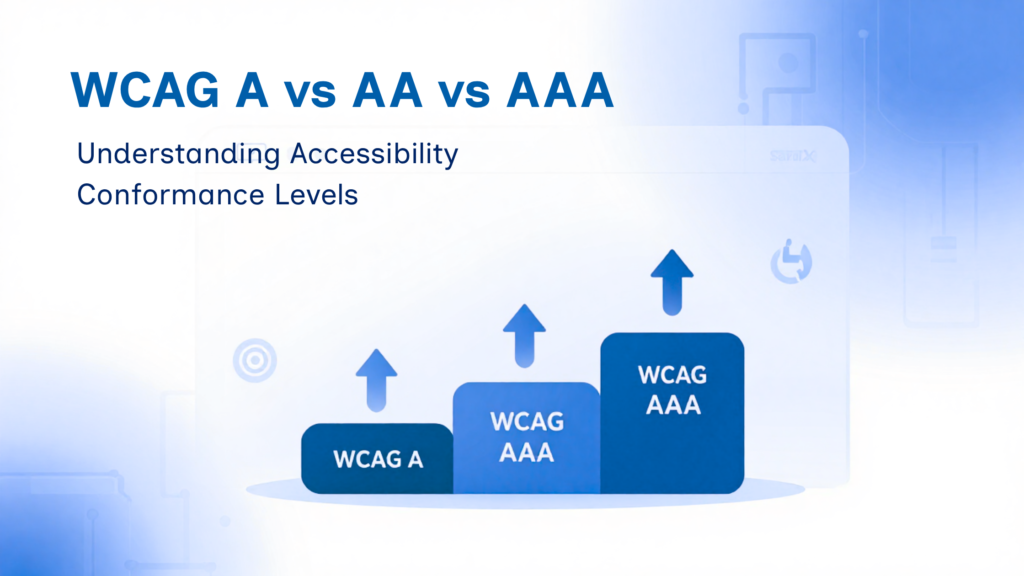
To address this, WCAG divides its requirements into three conformance levels: Level A, Level AA, and Level AAA.
These levels build on one another. Meeting Level AA means you’ve already satisfied all Level A requirements. Meeting Level AAA means you’ve met the requirements for Levels A, AA, and AAA.
Level A: Removing Critical Accessibility Barriers
Level A is the minimum accessibility baseline. It covers essential requirements that remove critical barriers for people with disabilities. If your website fails Level A, some visitors may not be able to use it at all.
Common Level A requirements include:
- Adding alt text to images that convey important information.
- Making sure the entire site can be navigated using only a keyboard.
- Avoiding content that flashes rapidly, which can trigger seizures.
- Properly labeling form inputs so screen readers can identify them.
Imagine a sign-up form where none of the text fields have labels. A sighted user might guess what to enter based on the visual layout, but a screen reader user receives no useful information. Fixing that is a fundamental accessibility requirement, which is why it belongs to Level A.
That said, meeting Level A doesn’t necessarily mean your website provides a good or fully accessible user experience—it simply means it isn’t fundamentally inaccessible.
Level AA: The Recommended Accessibility Standard
Level AA is the accessibility standard that most organizations aim for. It includes everything in Level A, along with additional requirements that improve usability for a much broader range of users.
Common Level AA requirements include:
- Maintaining sufficient color contrast between text and its background.
- Displaying clear visual focus indicators when navigating with a keyboard.
- Keeping navigation menus consistent across different pages.
- Providing clear error messages and suggestions when users fill out forms incorrectly.
- Allowing text to zoom up to 200% without breaking the page layout.
Think about light gray text on a white background. A designer might like the visual style, but people with low vision may struggle to read it. Improving the contrast ratio makes the content significantly easier to read for thousands of users.
Because most international accessibility laws and standards reference WCAG Level AA as the expected level of compliance, it has become the default target across the industry.
Level AAA: The Highest Standard
Level AAA is the highest WCAG conformance level, but it’s rarely achieved across an entire website.
Common Level AAA requirements include:
- Meeting even stricter color contrast requirements.
- Providing sign language interpretation for prerecorded videos.
- Offering additional guidance and support for users with cognitive disabilities.
- Following stricter readability and simplified language guidelines.
While these requirements create an exceptionally inclusive user experience, they aren’t always practical. For example, a major news organization publishing dozens of articles each day would find it difficult to simplify every article or produce sign language versions for every video.
Even the W3C acknowledges that achieving full Level AAA conformance isn’t practical for every type of content. Instead, many organizations implement selected AAA success criteria where they provide the greatest value, rather than trying to achieve full site-wide AAA compliance.
Which Level Should You Aim For?
For most businesses, products, and websites, WCAG Level AA is the right goal.
It strikes the right balance between technical feasibility and meaningful usability while aligning with most legal requirements and industry expectations.
That doesn’t mean you should ignore Level AAA entirely. You can still adopt individual AAA success criteria where they make sense—for example, by providing additional explanations for complex medical, financial, or technical content—even if full Level AAA compliance isn’t practical.
Does Meeting Level AA Mean Your Website Is Perfect?
Not quite.
Meeting every WCAG success criterion doesn’t automatically guarantee that every user with every type of disability will have a seamless experience. Real accessibility depends on how your website works with different screen readers, browsers, assistive technologies, and individual user preferences.
Treat accessibility as an ongoing practice rather than a one-time compliance exercise. Regular testing with keyboards, screen readers, automated accessibility tools, and feedback from real users will uncover issues that accessibility guidelines alone may not catch.
2 Responses